Free tool
llms.txt generator: create your file in two minutes.
Fill in your site name, a one-sentence summary and your key pages. The generator writes a correctly formatted llms.txt file you can copy or download and upload to your domain. It runs in your browser; nothing is sent to our servers.
Your site
Your llms.txt
How to use your llms.txt file
- Download the file and check that every URL is a live, canonical page you want AI systems to read.
- Upload it to the root of your domain, so it opens at https://yourdomain.com/llms.txt. On most hosts this is the same folder as robots.txt.
- Keep it short and current. List the pages that best explain what you do, update it when those pages change, and leave out thin or duplicate pages.
This generator is open source. Get the code, or run it offline, from the llms-txt-generator repository on GitHub (MIT license).
An llms.txt file will not fix pages that AI crawlers cannot reach or that do not answer buyer questions clearly. For the bigger picture, read our guide What is Generative Engine Optimization?, or see how our GEO services measure and improve how AI assistants describe your brand.
FAQ
llms.txt questions
What is an llms.txt file?
llms.txt is a proposed plain-text file, written in Markdown and placed at the root of a website, that summarizes the site for large language models and lists its most important pages with short descriptions.
Do ChatGPT, Gemini or Claude use llms.txt?
llms.txt is a community proposal, not an official standard, and there is little public evidence that major AI assistants rely on it today. It is quick to add and harmless, so treat it as a small extra on top of crawlable pages, clear content and structured data, not as a replacement for them.
Where do I put the llms.txt file?
Upload it to the root of your domain so it is available at https://yourdomain.com/llms.txt, the same place as robots.txt. Make sure it is served as plain text and is not blocked by robots.txt or a firewall.
Is this llms.txt generator free?
Yes. The generator runs entirely in your browser, nothing you type is sent to our servers, and you can use the output on any website.
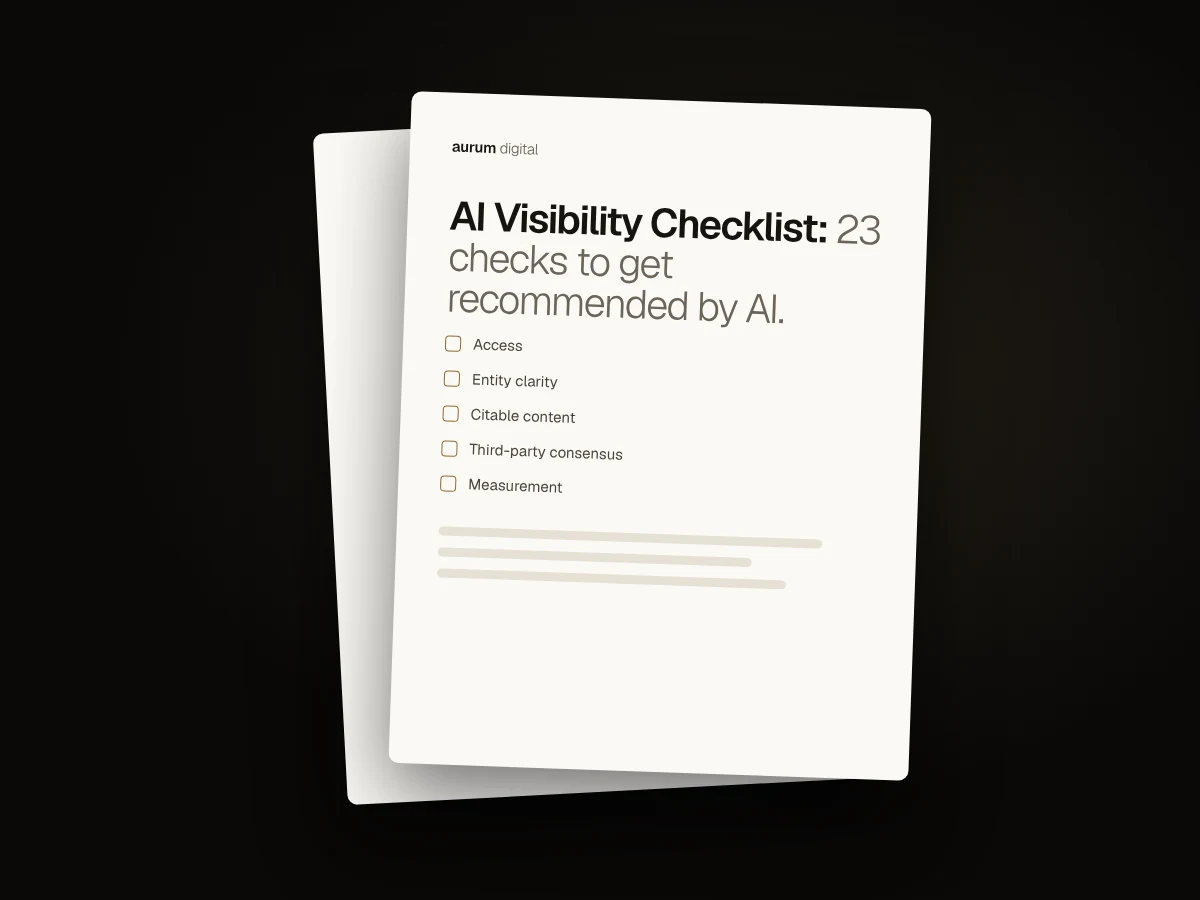
Free download
The AI Visibility Checklist
23 checks to see how ready your website and brand are to be found, understood and cited by ChatGPT, Gemini, Perplexity, Claude and Google AI Overviews. Two pages, PDF.
Next step
Want to know how AI describes your brand?
Get a free audit of how your brand appears in Google and in AI answers today, delivered as a digital report within 3 business days.
Delivered within 3 business days · Digital report (PDF) · No obligation